
VRA
Audiometry made fun
Visual Reinforcement Audiometry (VRA) is a fun and engaging hearing test in young children. We offer three different VRA solutions: VRA201, VRA Screen and VRA Pure.
Please note that this product is not available in the US and Brazil
VRA Screen
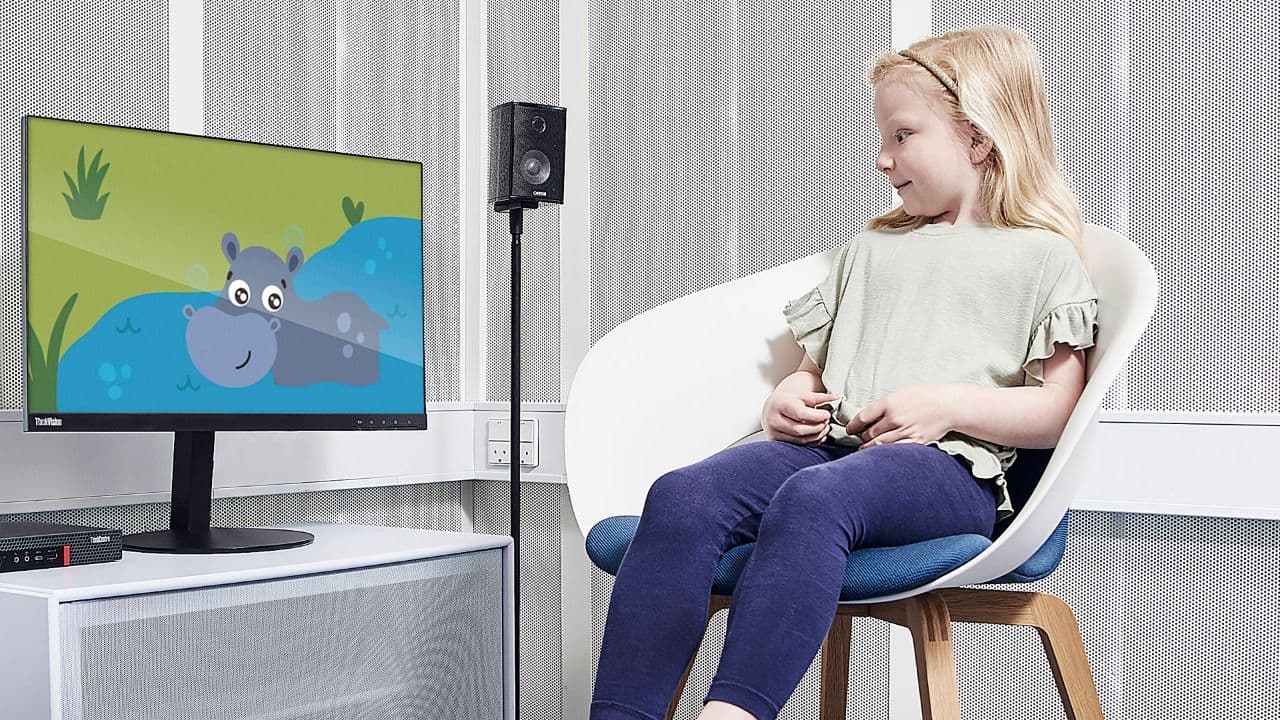
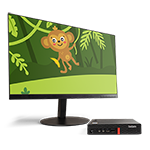
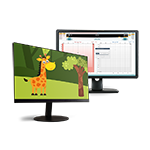
VRA Screen is a digital VRA device. As with VRA201, you present the sound with the audiometer. But instead of animating a toy, you present the visual reward via 1-3 screens, depending on your setup.
What do you get?
VRA Screen consists of a dedicated PC for VRA, default playlists, a mouse, and a USB stick with the VRA Playlist Creator software. Once you have arranged for 1-3 screens in your free field setup, you are ready to go.
The clinician is in charge
With a simple mouse click, you can instantly switch the visual reward on and off. In a multi-screen setup, you can also quickly switch screens with left-right mouse clicks.
Playlist Creator
In the VRA Playlist Creator software, you can create your own playlists. This means that you can tailor the visual rewards to the specific patient. Let’s say you know a patient coming in tomorrow has a thing for cars, then what better way to keep their attention than by showing them images or videos with cars?
Visual rewards
- Static images in color or contrast
- Moving images in color or contrast
- Animal animations with sound
- Custom rewards using the Playlist Creator

"What I love most about VRA Screen is how fast and responsive it is. There is no delay to either the onset or offset of the visual reward, which is so vital for keeping the child conditioned and motivated. Combined with the ability to create your own playlists and add your own still or moving images, this places the clinician in total control of what can be fast-paced and high-pressure testing conditions."
Amanda Goodhew
BSc (Hons) MSc Audiology. International Clinical Trainer at the Interacoustics Academy, former Senior Pediatric Audiologist at NHS, UK.
VRA201
VRA201 is a manually-controlled VRA tool and is a supplement to audiometers and traditional behavioral audiometry.
VRA201 is a valuable accessory for your audiometry setup and will make hearing testing more fun for your pediatric patients.
Hearing testing made rewarding
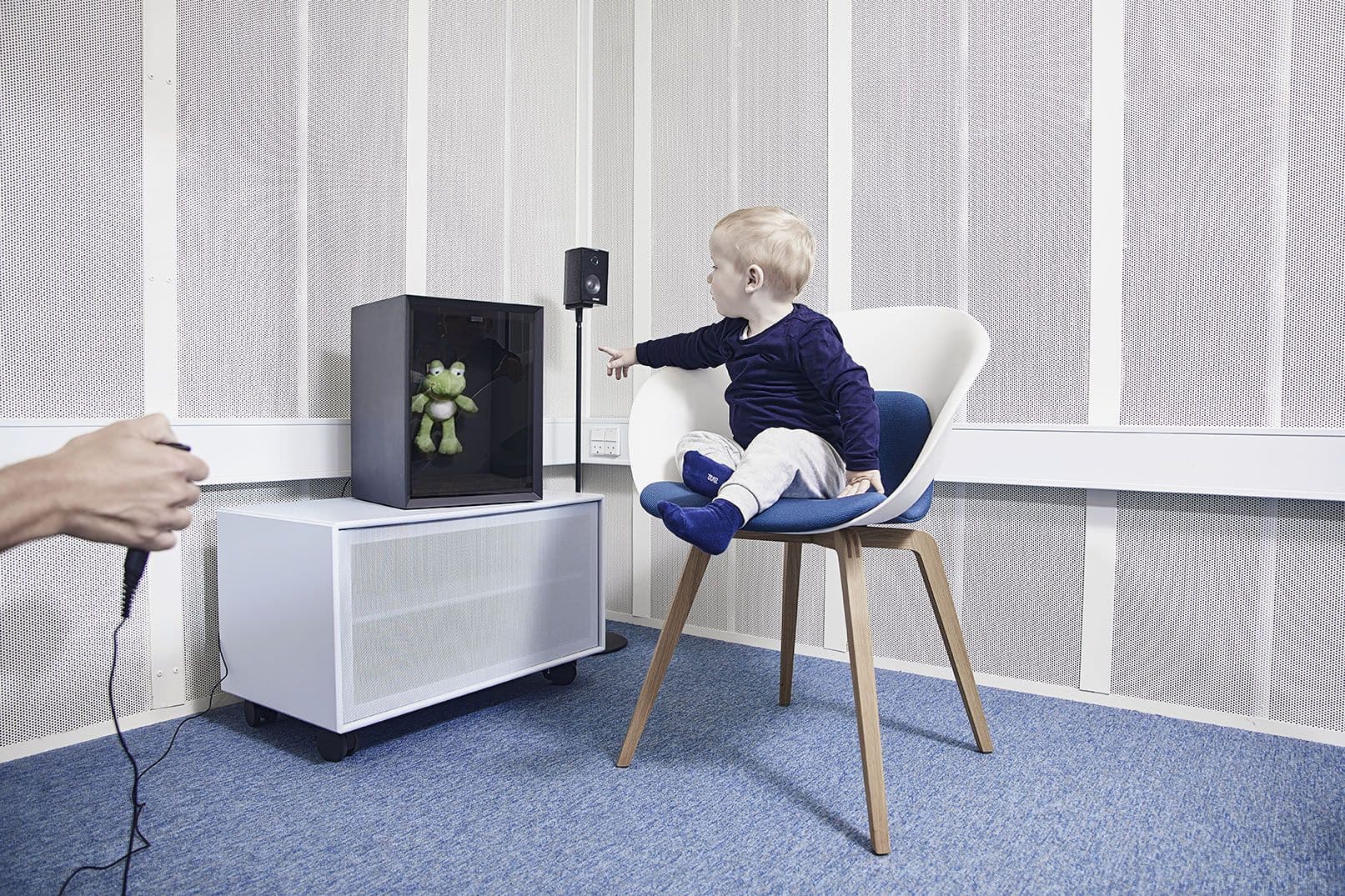
You perform the hearing test in a free-field setup or with headphones. VRA201 provides the visual reward, and you present the sound with the audiometer. If the infant or child produces a correct response, you push the response switch. This illuminates an animated toy located behind tinted Plexiglas. This rewards the child for hearing the sound stimulus and for taking part in the test.
Highlights
- For use in infants and children from six months to three years of age
- Establish lower and more accurate thresholds
- Easy to add to your current audiometry setup
VRA Pure
VRA Pure is a software version of VRA Screen, which is beneficial for PC-based audiometer setups.
Use the VRA software with your own PC
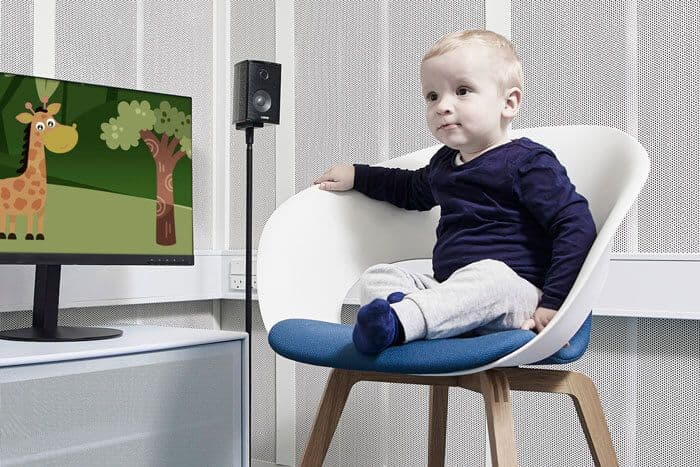
The VRA Pure software is intuitive to use and offers an easy way to engage young children in hearing testing.
With VRA Pure, you get the latest version of VRA directly on a USB, which is all you need. This includes the default playlists known from VRA Screen and with a software that makes it possible to operate the VRA system directly from your own PC.
Only one PC is needed
With VRA Pure, you can operate your audiometer and the VRA software from the same PC in two ways.
1. On-top mode
The on-top mode allows you to operate your audiometer and the VRA system from the PC screen.
2. Keyboard shortcuts
Using keyboard shortcuts, you can operate the VRA system from your keyboard with ease and without interfering with the hearing test software.
VRA201 vs VRA Screen vs VRA Pure
So, which of three VRA systems is right for you? To help you decide, the table below compares their functionality.
| VRA201 | VRA Screen | VRA Pure | |
|---|---|---|---|
| IMAGE |
|
|
|
| TECHNOLOGY |
Analog (standalone): Operated via the response key part of VRA201 |
Digital (standalone): Operated via the included VRA computer |
Digital (integrated): Operated via the PC of the audiometer |
| AUDIOMETERS |
All |
All |
PC-based |
| WHAT DO YOU GET? |
VRA201 box with toy Response key Power supply |
VRA Playlist Creator Default playlist Mouse VRA computer |
VRA Playlist Creator Default playlist |
| ADD ONS |
None |
Computer screens Speakers |
Computer screens Speakers |
Need support or training?
Check out the latest training material.
Contact your local distributor
Our world-wide experts and distributors can help you find the best solution for you and your clinic. They also know what products are available in your market. Fill out the form and your local distributor will contact you with more information.
Distributors
Purchase from one of our trusted distributors.
Support
Need product training? Visit our training site to find answers.