
Using the Titan ABRIS module
Prepare the equipment
- Turn on Titan by pressing the R or L button.
- Open the OtoAccess or Noah database and enter new patient details.
- Double click on the Titan Suite icon to launch the software and click on the ABRIS module tab.
- Select the desired test protocol from the dropdown list.
- Select the ear for testing.
Test enviroment
The ideal test environment is a quiet room where lights and other electronic equipment are turned off.
Prepare the infant
|
Patient state
|
The infant should be sleeping or in quiet relaxed state. Sucking, blinking, crying or movement may affect testing.
|
|
Skin preparation |
Typically, no skin preparation is required. If the infant's skin is oily, the electrode placement sites should be cleaned using alcohol wipes and/or skin preparation gel. Use a conductive gel with the electrodes to improve impedances.
|
|
Place electrodes |
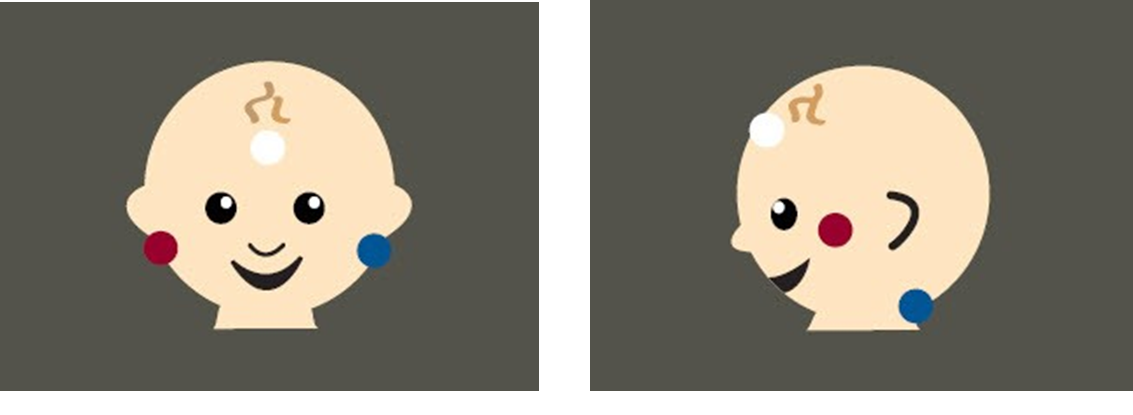
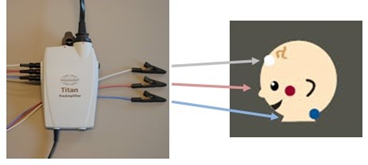
Place surface electrodes using the desired montage (mastoid or nape).
|
| Connect cables |
Connect the cables from the preamplifier to the respective surface electrodes.
|
Check impedance
At the top of the screen, the impedance is indicated by the green/amber dots on the infant image.

When the dot is amber, this means the impedance is poor (> 40kΩ). In this instance, it may be necessary to clean the skin and/or use some conductive gel and replace the surface electrode.
Testing is possible when impedances are poor. This may, however, affect test time and measurements
Place transducer
Place the probe or insert earphones in the infant's ear/s or place the headset over the infant's ears.
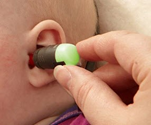
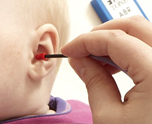
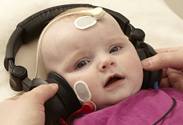
The probe light will turn green when a good seal is obtained.
Run test
Click on START in the software, press the spacebar or press the preamplifier button.
Patient noise (EEG)
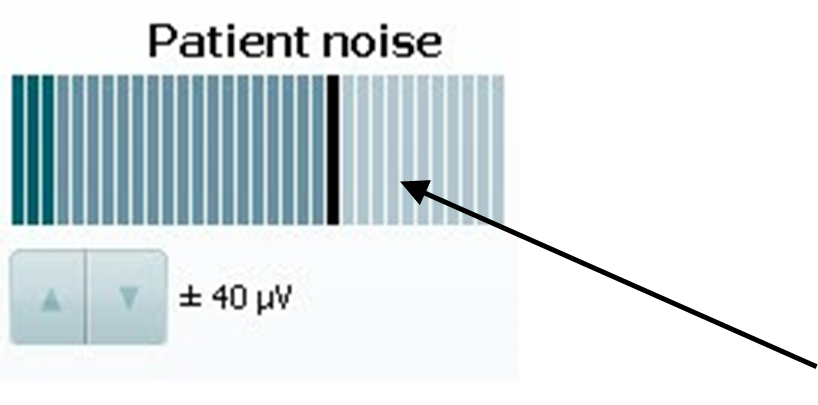
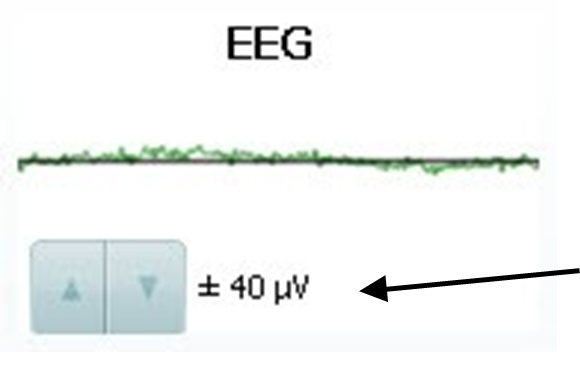
After starting the test, patient noise or EEG is displayed at the top of the screen (depending on setup).
 Rejection level
The dark green bars should not reach the black bar The EEG indicator should remain green
If the patient noise goes above the black line/EEG indicator turns red, try to calm the infant to reduce movement, crying, sucking etc.
If the infant appears calm and the patient noise/EEG is not ideal, stop the test and increase the rejection level using the arrow buttons.
If the patient noise/EEG signal is still not ideal, refer to the EEG troubleshooting section below.
Results
PASS result REFER result
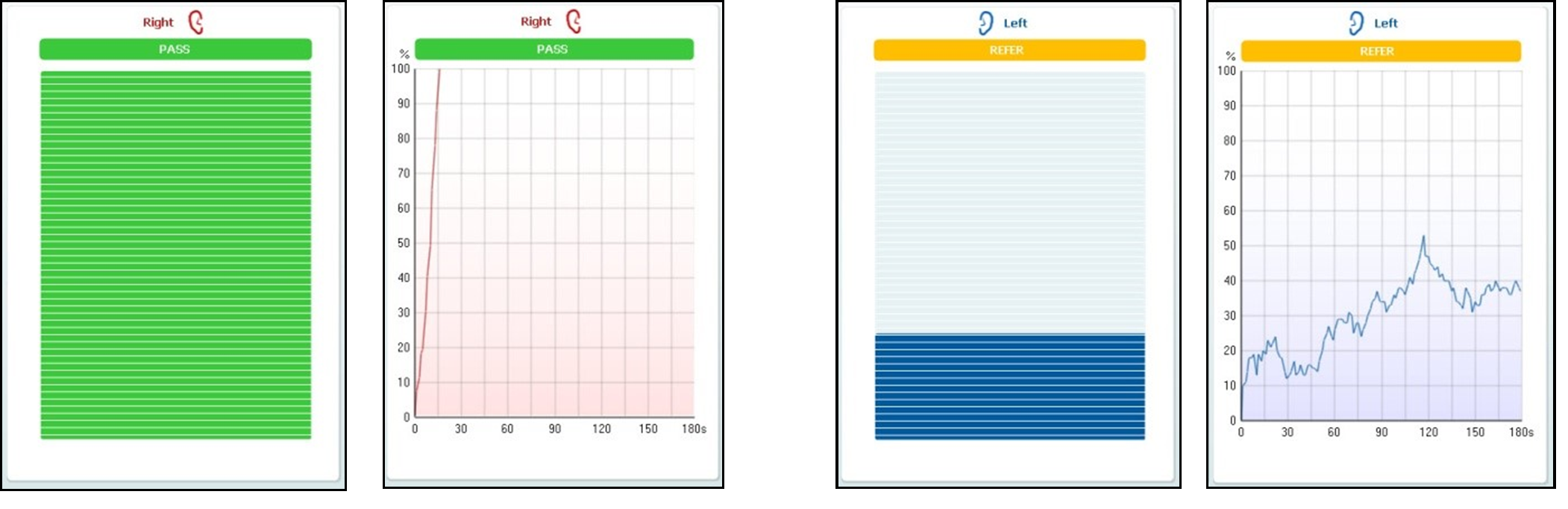
PASS - when the result reaches 100% for the pass criteria, PASS is displayed in green above the measurement.
REFER - when the result does not reach 100% for the pass criteria within the measurement time, REFER is displayed in amber above the measurement.
INCOMPLETE - if the test is stopped before a PASS or REFER is generated by the system, INCOMPLETE is displayed above the measurement indicating that the full test was not completed.
EEG troubleshooting
When the patient noise/EEG signal is poor, and the patient is calm, try the following:
- Turn off (if possible) all electronic devices/sources, such as lights, computers, mobile phones etc.
- Ensure that the Titan battery is not being charged (via the cradle) during testing
- If impedances were initially poor, clean the skin/use conductive gel and replace the electrodes
Presenter
