
How to Perform the BirdVR Module
This quick guide provides information on how to perform the BirdVR module on the Virtualis StaticVR and MotionVR solutions. For additional information, please refer to the BirdVR user manual.
Equipment needed
To view the equipment needed, click on the "i" icon in the upper right corner of the module. To perform the BirdVR module, you will need the StaticVR or MotionVR. The VR headset is optional for this module. However, if you do not use the VR headset, you will need a secondary screen to perform in "Screen Mode."
Patient setup
The patient will need to be standing to perform this module.
1. Open a patient profile.
2. Click on "Start a session" to access the module list.
3. Type "BirdVR" in the search bar. The first three letters are often enough.
4. Click on the BirdVR button to launch the module.
5. Select the initial settings based on your patient's therapeutic goals.
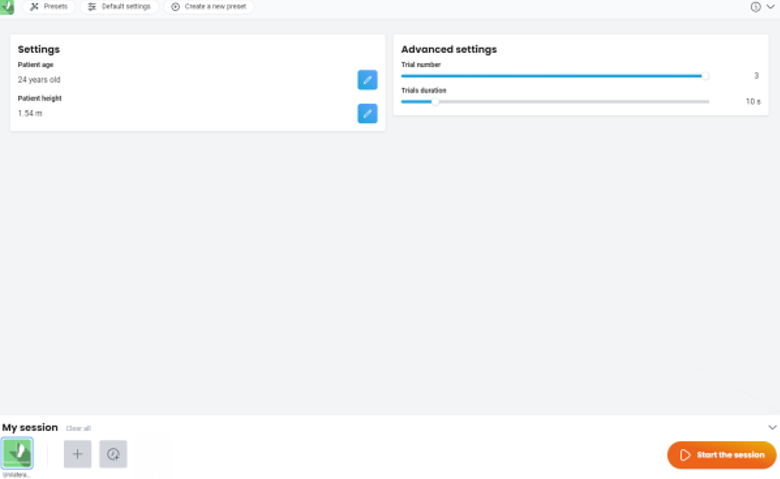
- Session duration: choose a preset time option or create your own value.
- Circles:
- Amplitude: set the height of the circles.
- Speed: set the speed at which the circles approach.
- Size: set the width of each circle.
- Butterflies: check the box to add a dual task. Note: if you want to activate the butterflies, you will need to use the VR headset and 1 to 2 hand controllers.
- Speed: set the speed at which the butterflies approach.
- Height: set the height to catch the butterflies.
- Advanced settings:
- Y-axis inversion: reverses the movements required to move the bird.
Test procedure
6. Once settings have been finalized, click on "Start the session".
7. If using the VR headset, have the patient look forward and press "C" on the keyboard to center the image inside the VR headset before starting the module.
8. Instruct the patient that the goal of the module is to move the bird through the circles by shifting their weight on the force plate. If butterflies are present, they need to catch them using one of the hand controllers.
9. Press "Start" to begin the module.
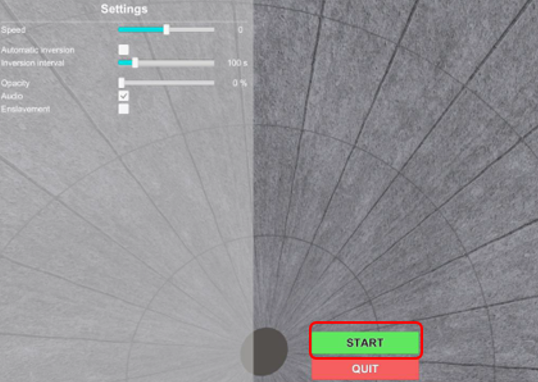
10. Perform real time progressions by changing the parameters on the left and right sides of the clinician screen (see below). Patients cannot see these adjustments.
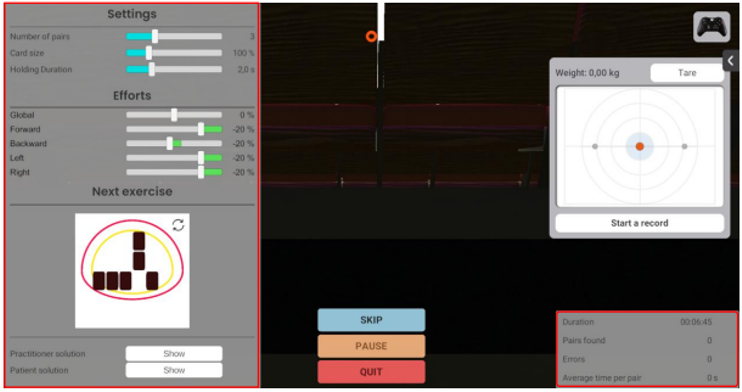
In general, increasing the circle amplitude and speed, decreasing the circle size, adding butterflies, changing to vertical axis inversion, and performing with a dynamic force plate will increase the complexity of the task.
11. Click the Xbox remote icon in the upper right corner to view information about shortcut keys.
View results
12. When the module is complete, you can view the results by clicking on the histogram icon.
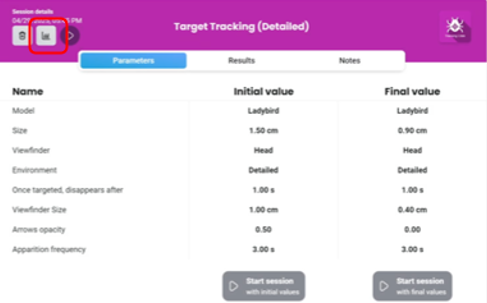
Default data points: percentage of circles crossed, percentage of butterflies caught.
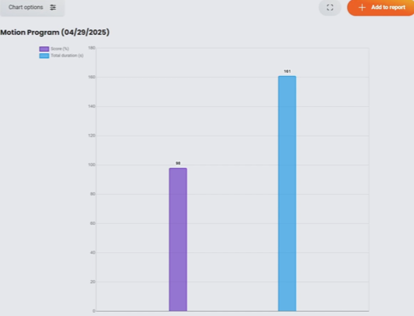
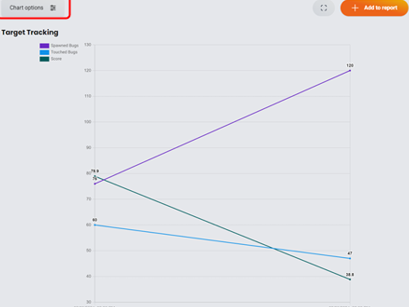
You can also access additional results by clicking "Chart options".
Presenter

Cassie Anderson PT, DPT
Global Clinical Educator for Balance Rehabilitation, Interacoustics A/S Cassie holds her Doctorate in Physical Therapy and has served as a licensed physical therapist for 11 years. She began her career in the inpatient rehab setting working primarily with patients post stroke then transitioned to the outpatient setting working primarily with the vestibular/balance population in a multidisciplinary ENT and neurology clinics. Cassie has participated in research and quality improvement projects aimed at incorporating technology into clinical practice and has presented at both the national and international level.
